
1/3
Promoted
Addis Ababa, Yeka, 23 hours ago
82 views
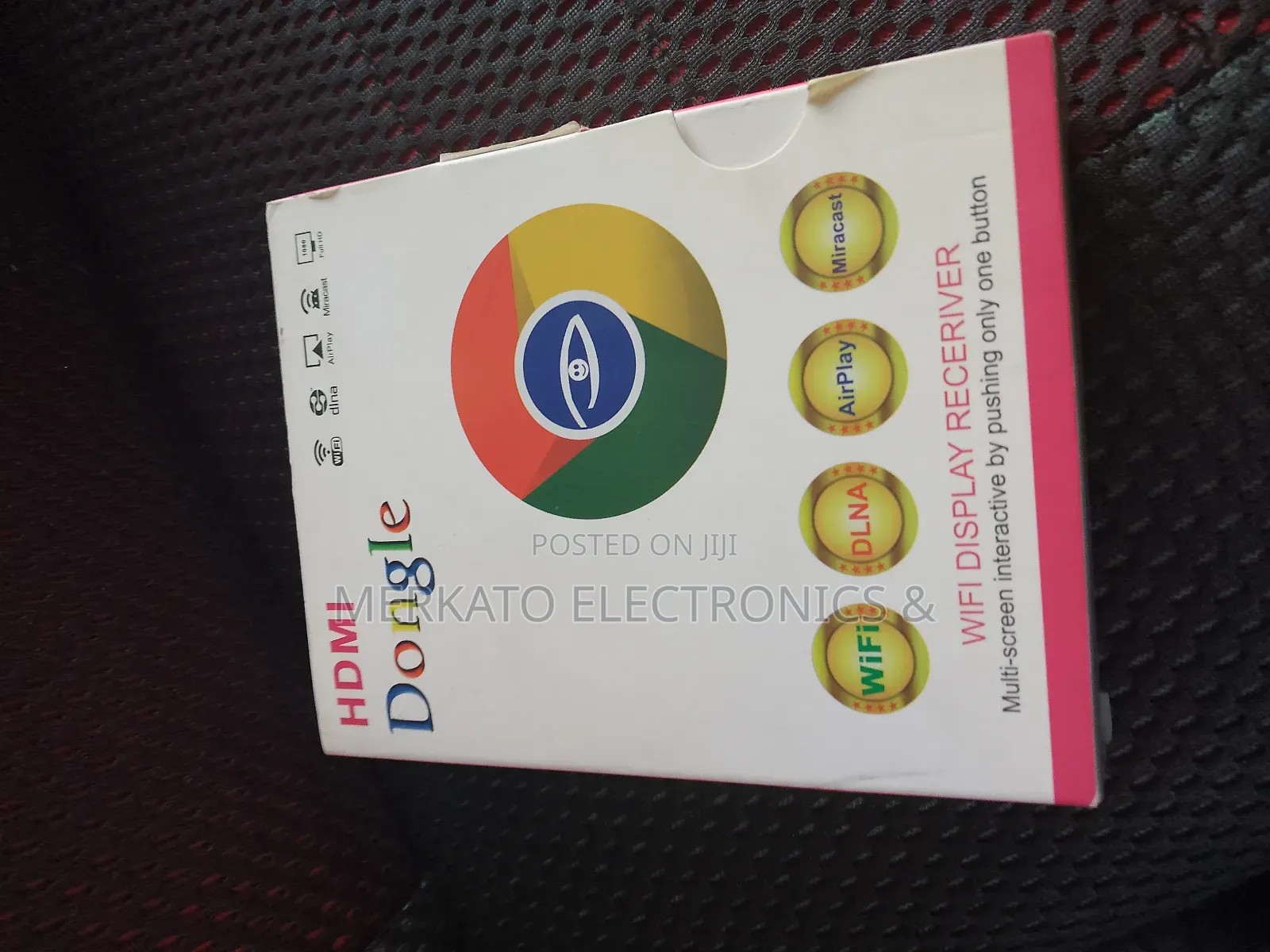
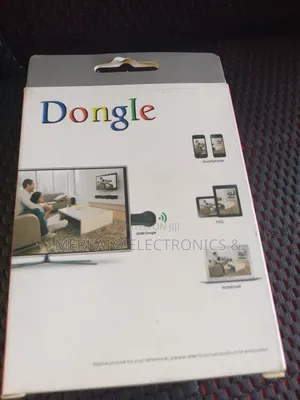
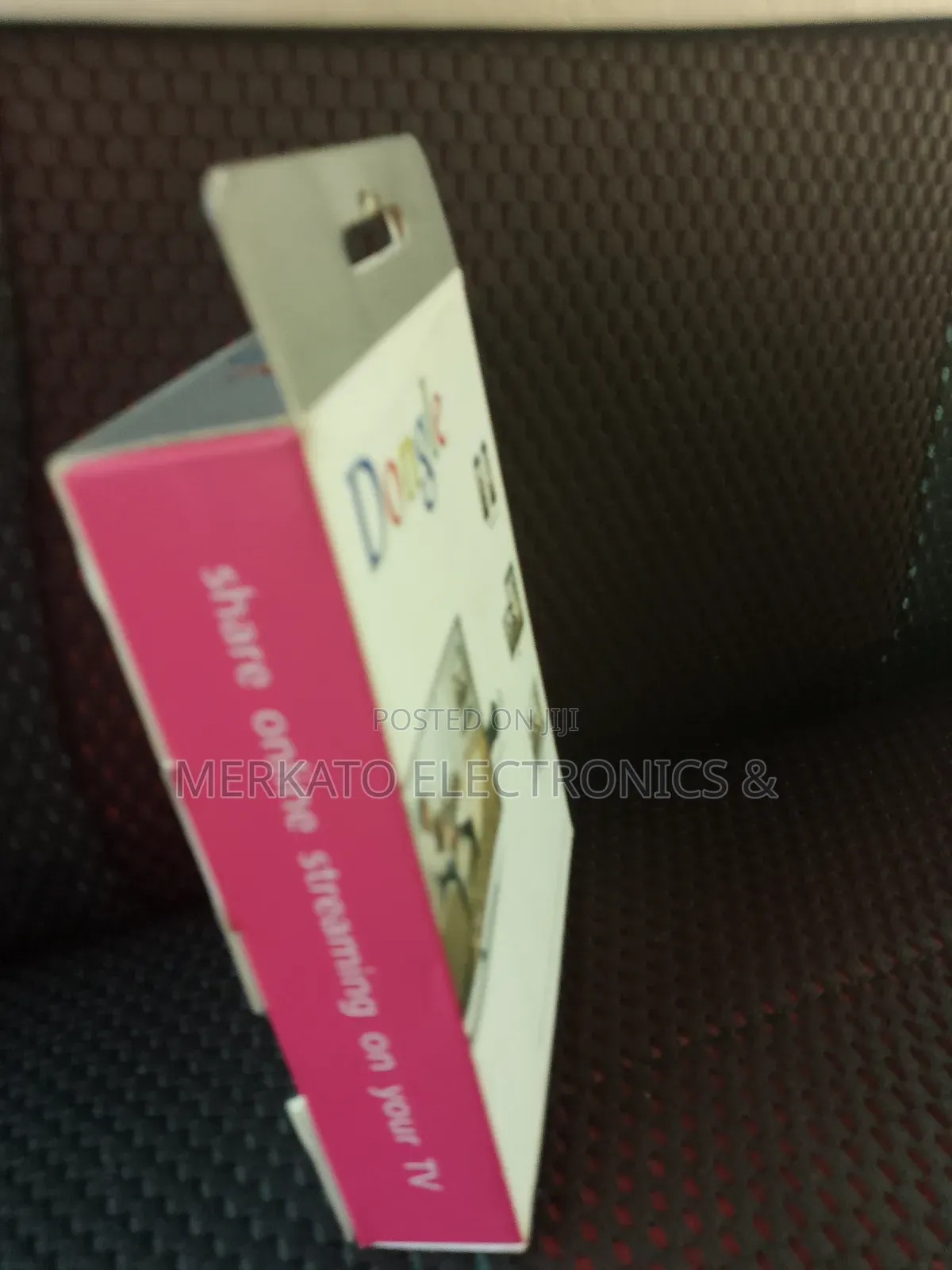
Wifi Display | Hdmi Dongle | ካስት | Wifi Display
A Chromecast HDMI dongle allows you to stream content from your phone, tablet, or computer to your TV. You plug it into the TV's HDMI port, connect it to a power source, and then use the Google Home app to set it up and cast content.
Here's a more detailed explanation:
What it does:
Chromecast acts as a bridge, enabling you to display content from your devices on your TV, turning your TV into a smart TV.
How it works:
Plug it in: Insert the Chromecast into an available HDMI port on your TV.
Power it up: Connect the USB power cable to the Chromecast and plug the other end into a power adapter, then into a wall outlet.
Set it up: Download the Google Home app on your phone or tablet and follow the on-screen instructions to set up the Chromecast.
Cast content: Once set up, you can cast content from compatible apps or website.

Safety tips
- Avoid paying in advance, even for delivery
- Meet with the seller at a safe public place
- Inspect the item and ensure it's exactly what you want
- Make sure that the packed item is the one you've inspected
- Only pay if you're satisfied


