
1/2
Addis Ababa, Kirkos, 15/10
78 views
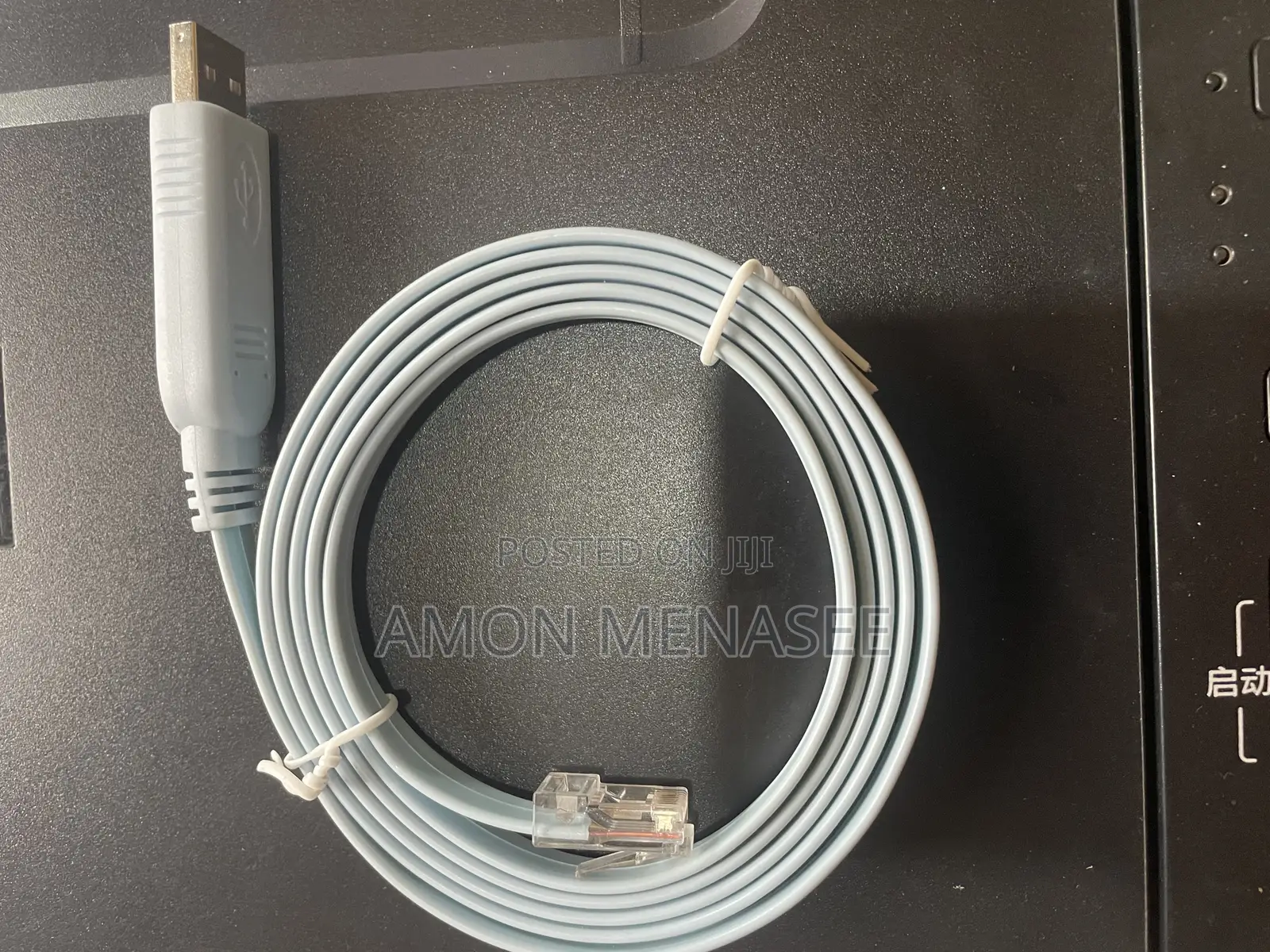
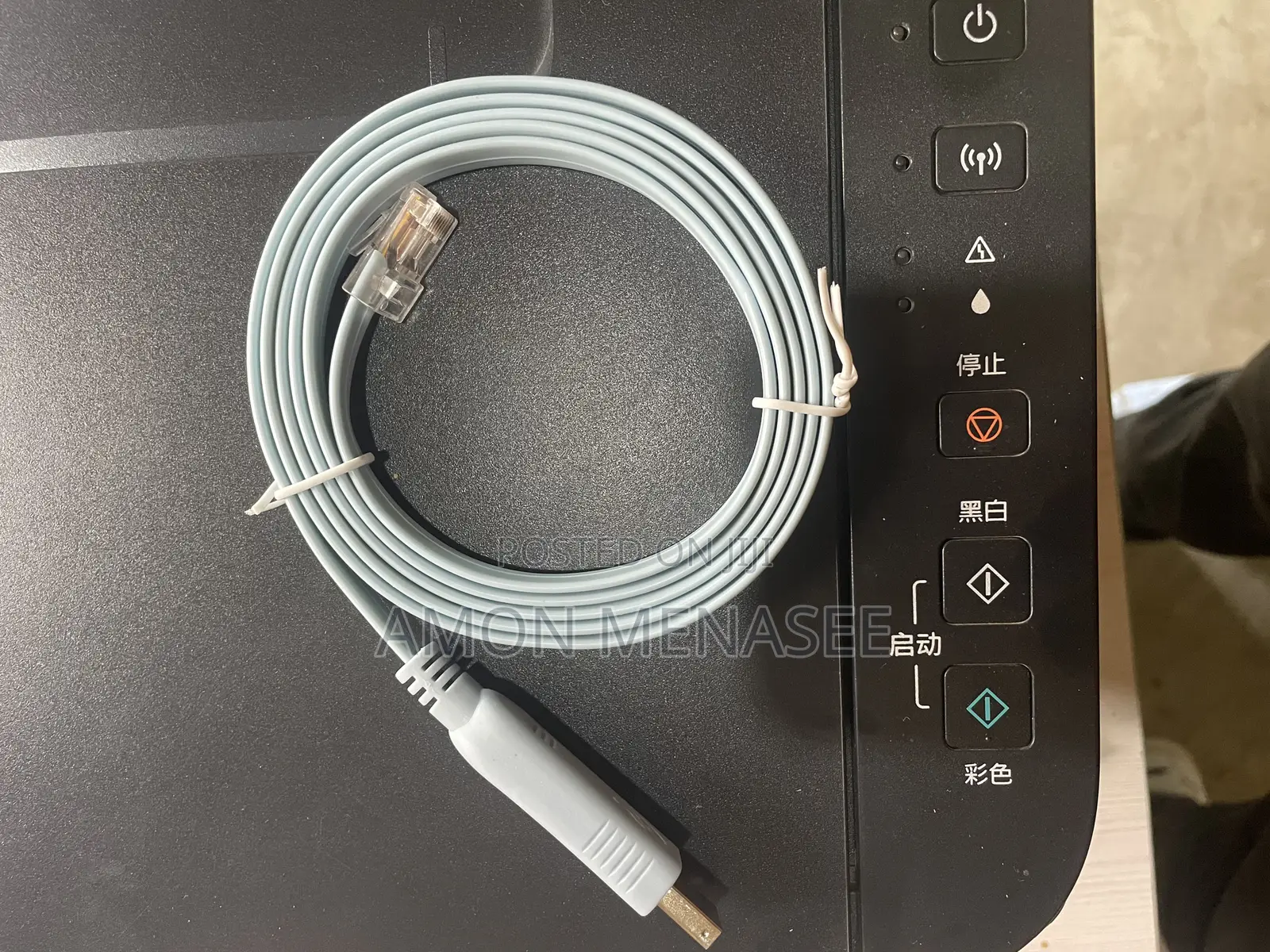
Console Cable Usb to Rj-45
Network Cables
Type
Cisco
Brand
USB to RJ-45
Model
10/100 Mbps
Cable Speed
Indoor/Outdoor
Usage
5m
Cable Length
23
Cable AWG
Brand New
Condition
Store address
Addis Ababa • Kirkos
kera
Mon, Sun
Connect the RJ-45 end to the console port of the network device.
Connect the DB-9 or USB end to the computer's serial port or USB port.
Open a terminal emulation program on the computer.
Configure the terminal emulation program with the correct settings (baud rate, data bits, parity, stop bits).
Start the terminal emulation session and you will be able to access the device's CLI.
ETB 2,000
NegotiableSafety tips
- Avoid paying in advance, even for delivery
- Meet with the seller at a safe public place
- Inspect the item and ensure it's exactly what you want
- Make sure that the packed item is the one you've inspected
- Only pay if you're satisfied


