
VIP TOP+
1/3
Promoted
Addis Ababa, Bole, 9 hours ago
13 views
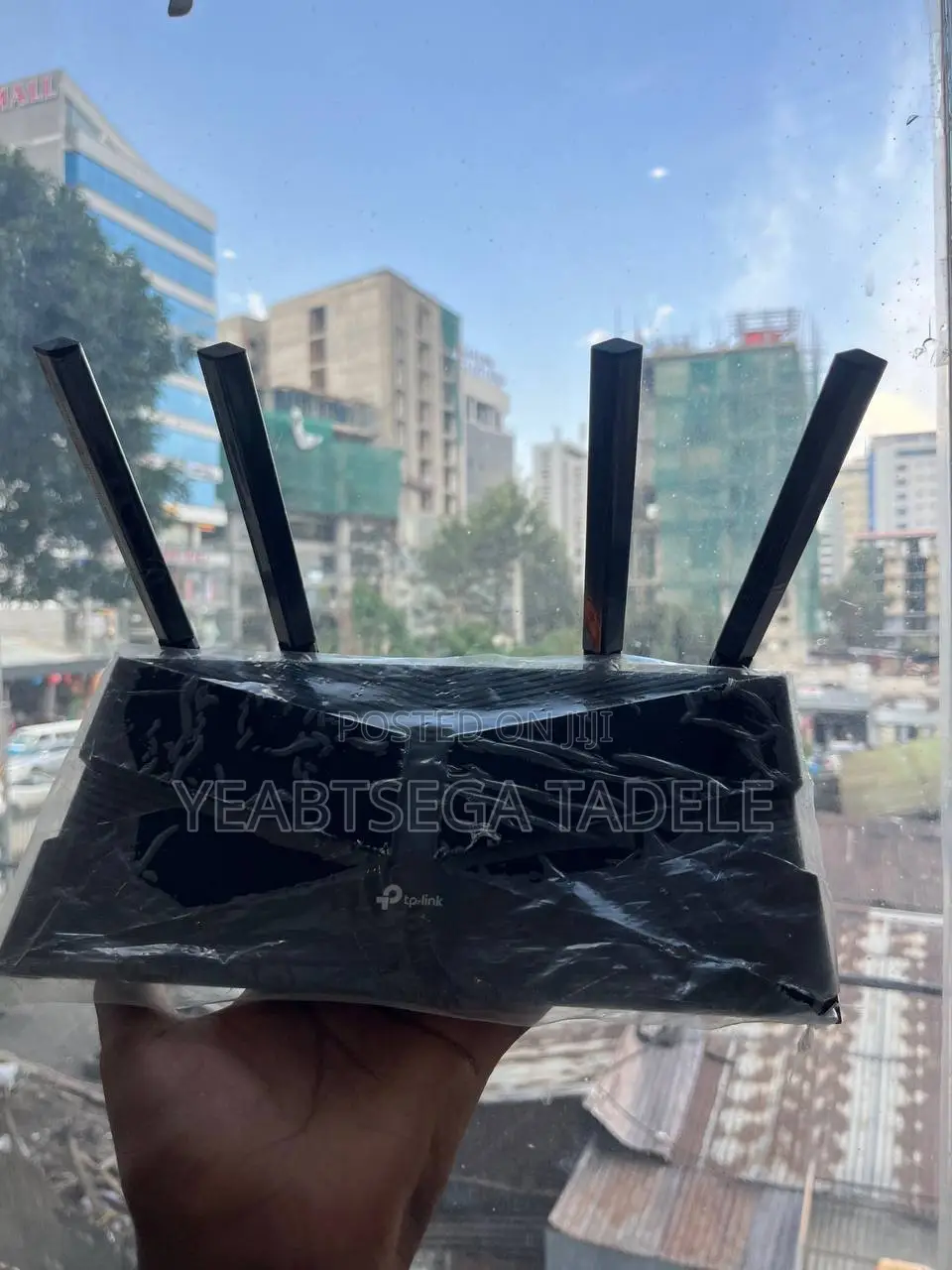
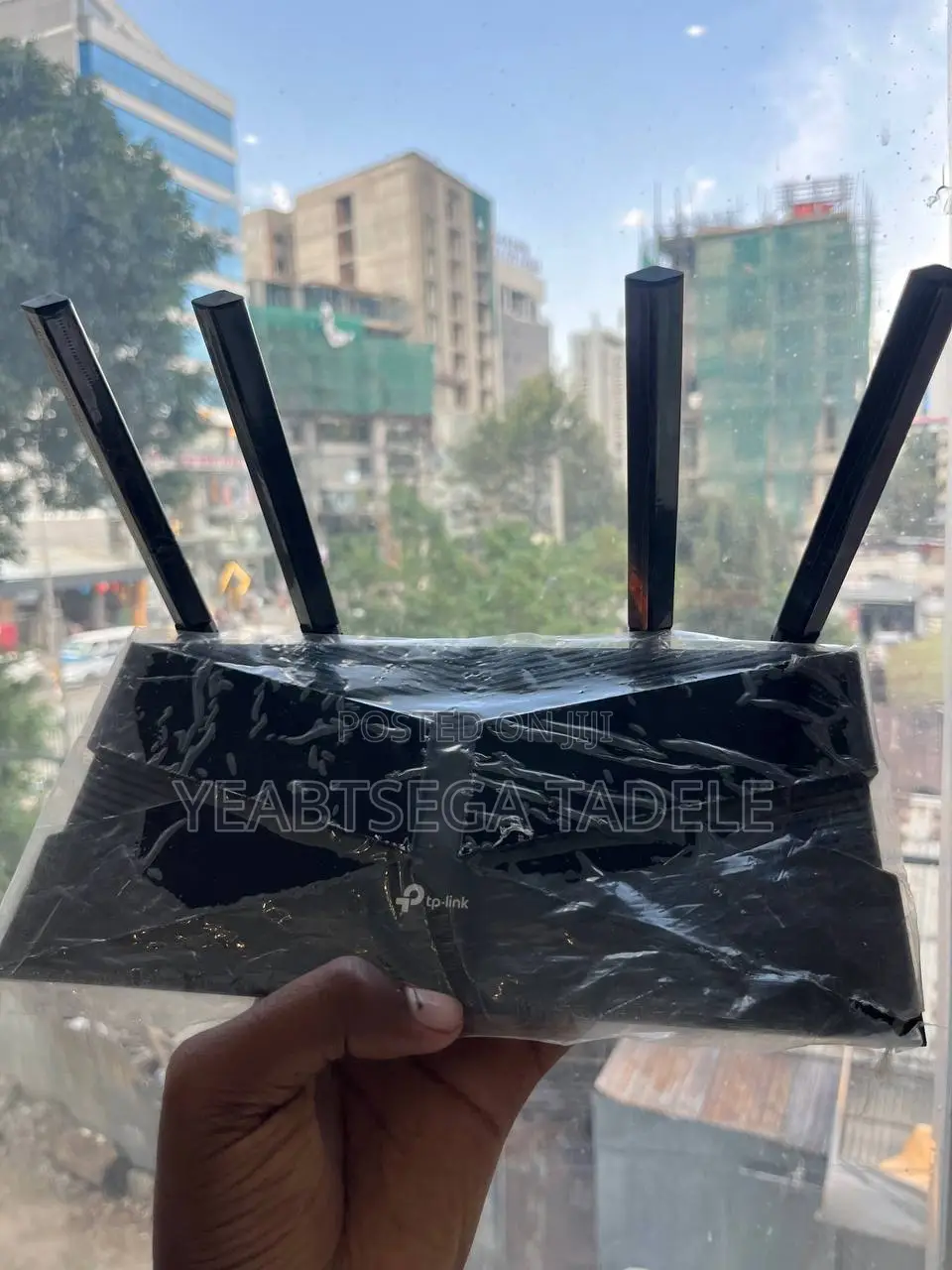
Tp-Link Archer Ax1500 Wi-Fi 6 Router
Router
Type
TP-Link
Brand
Archer AX1500
Model
1000 Mbps
Max LAN Speed
4
Number of LAN Ports
Brand New
Condition
Delivery
Addis Ababa
1-2 days
Free of charge
Key Features & Port Breakdown
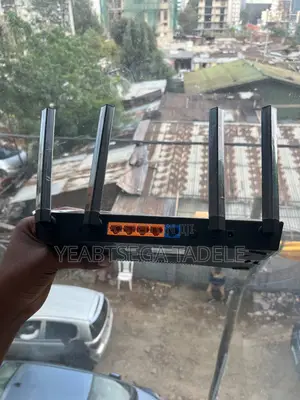
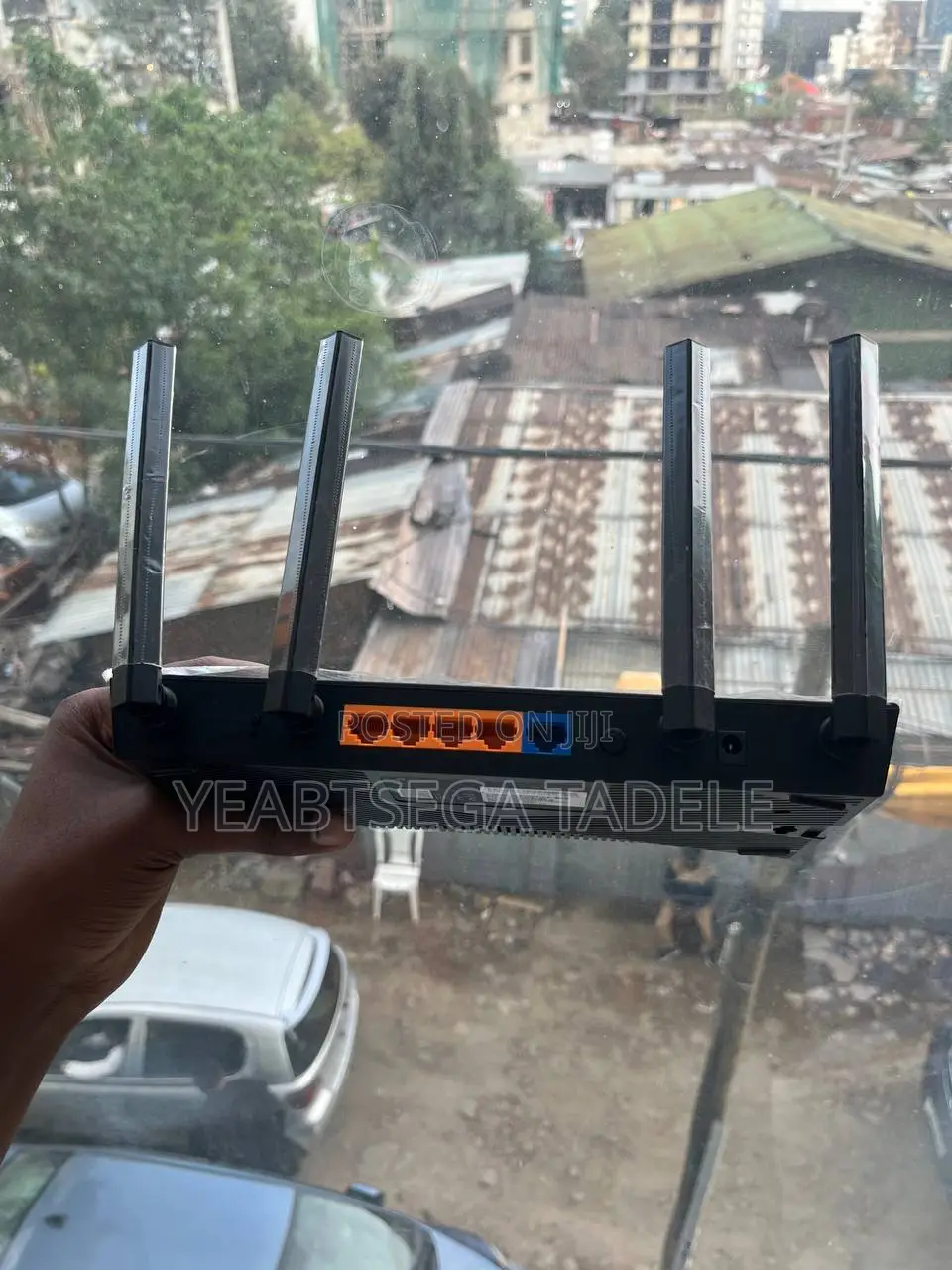
The back of the device in photo_2026-.jpg reveals its physical connectivity options:
1x Blue Port (WAN/Internet Port): This is where you plug in the Ethernet cable coming from your main internet source (e.g., a fiber optic box or ISP modem) to feed internet into the router.
4x Orange Ports (LAN Ports): These are local network ports. You can use them to plug in hardwired devices—like a desktop computer, smart TV, gaming console, or even an Android TV box—for the fastest, lowest-latency connection.
4 High-Gain Antennas: These broadcast the wireless signal. Because it uses Wi-Fi 6 technology, it handles busy environments with many connected phones and laptops much better than older Wi-Fi standards, offering faster speeds and reduced network congestion.
Safety tips
- Avoid paying in advance, even for delivery
- Meet with the seller at a safe public place
- Inspect the item and ensure it's exactly what you want
- Make sure that the packed item is the one you've inspected
- Only pay if you're satisfied


