
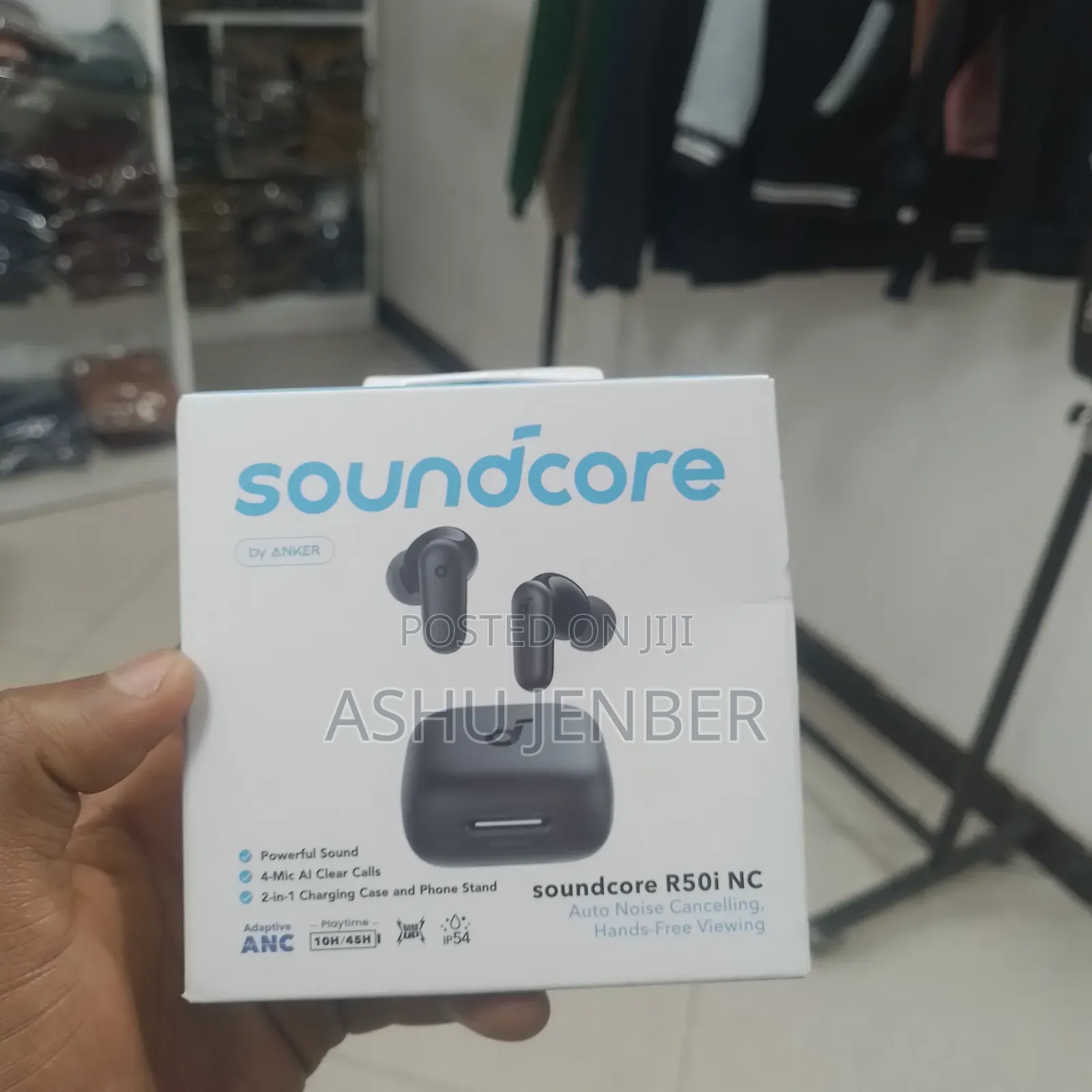
Addis Ababa, Bole, 16/09
4 views
Sound Core
Bluetooth
Connecting Interface
Other
Color
To set up and use the Soundcore R50i NC, follow these brief steps:
1. Charging & Case Stand: Charge the case using a USB-C cable. A unique feature of this model is that the case lid can be flipped to act as a phone stand for hands-free viewing.
2. Pairing: Open the charging case lid. Enable Bluetooth on your device, search for "Soundcore R50i NC", and select it to pair.
3. Active Noise Cancelling (ANC): These earbuds feature Adaptive ANC. You can toggle between Noise Cancelling, Transparency, and Normal modes by tapping and holding the touch area on the earbuds.
4. Touch Controls:
• Double tap: Play/Pause or answer/end calls.
• Triple tap: Skip to the next track.
5. Soundcore App: Download the Soundcore app to customize touch controls, adjust the Equalizer (EQ) for different sound profiles, and update the firmware.
Safety tips
- Avoid paying in advance, even for delivery
- Meet with the seller at a safe public place
- Inspect the item and ensure it's exactly what you want
- Make sure that the packed item is the one you've inspected
- Only pay if you're satisfied


