
Addis Ababa, Bole, 16/09
6 views
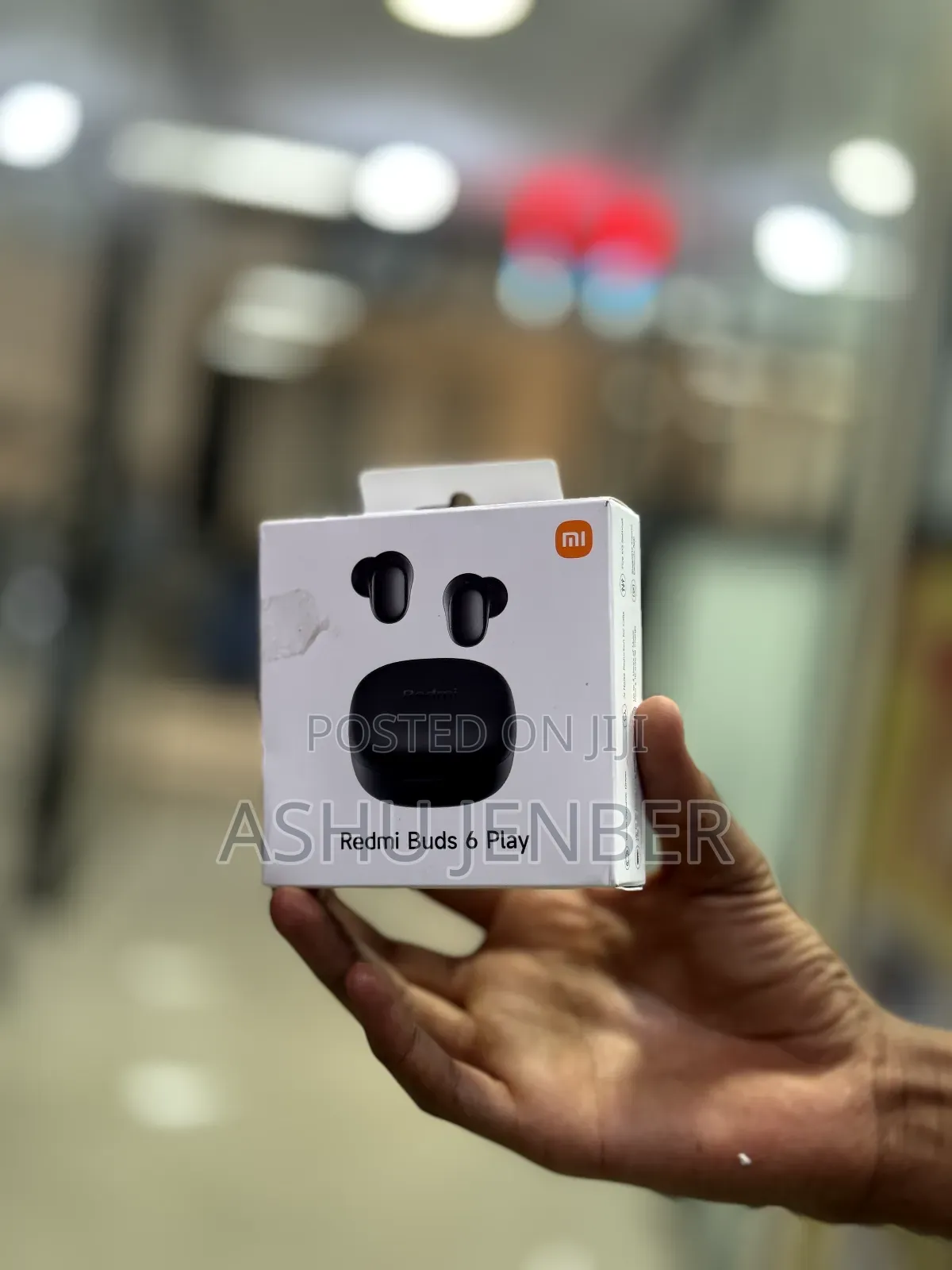
Redmi Buds
Other
Brand
Other
Model
In-Ear
Type
Brand New
Condition
Ear Hook
Form Factor
Wireless
Connectivity
Bluetooth
Connecting Interface
Red
Color
To set up and use the Redmi Buds 6 Play, follow these brief steps:
1. Charging: Place the earbuds in the charging case and connect it to a power source using a USB-C cable until fully charged.
2. Pairing: Open the charging case lid (with earbuds inside). Turn on Bluetooth on your smartphone, search for "Redmi Buds 6 Play" in the list of available devices, and tap to connect.
3. Controls: Use the touch-sensitive area on either earbud to control music and calls:
• Double tap: Play/pause music or answer a call.
• Triple tap: Skip to the next track or reject/end a call.
• Press and hold: Activate the voice assistant.
4. App Support: For more customization (like adjusting EQ settings), download the Xiaomi Earbuds app from the Play Store or App Store.
Safety tips
- Avoid paying in advance, even for delivery
- Meet with the seller at a safe public place
- Inspect the item and ensure it's exactly what you want
- Make sure that the packed item is the one you've inspected
- Only pay if you're satisfied


