
1/2
Promoted
Addis Ababa, Bole, 2 hours ago
138 views
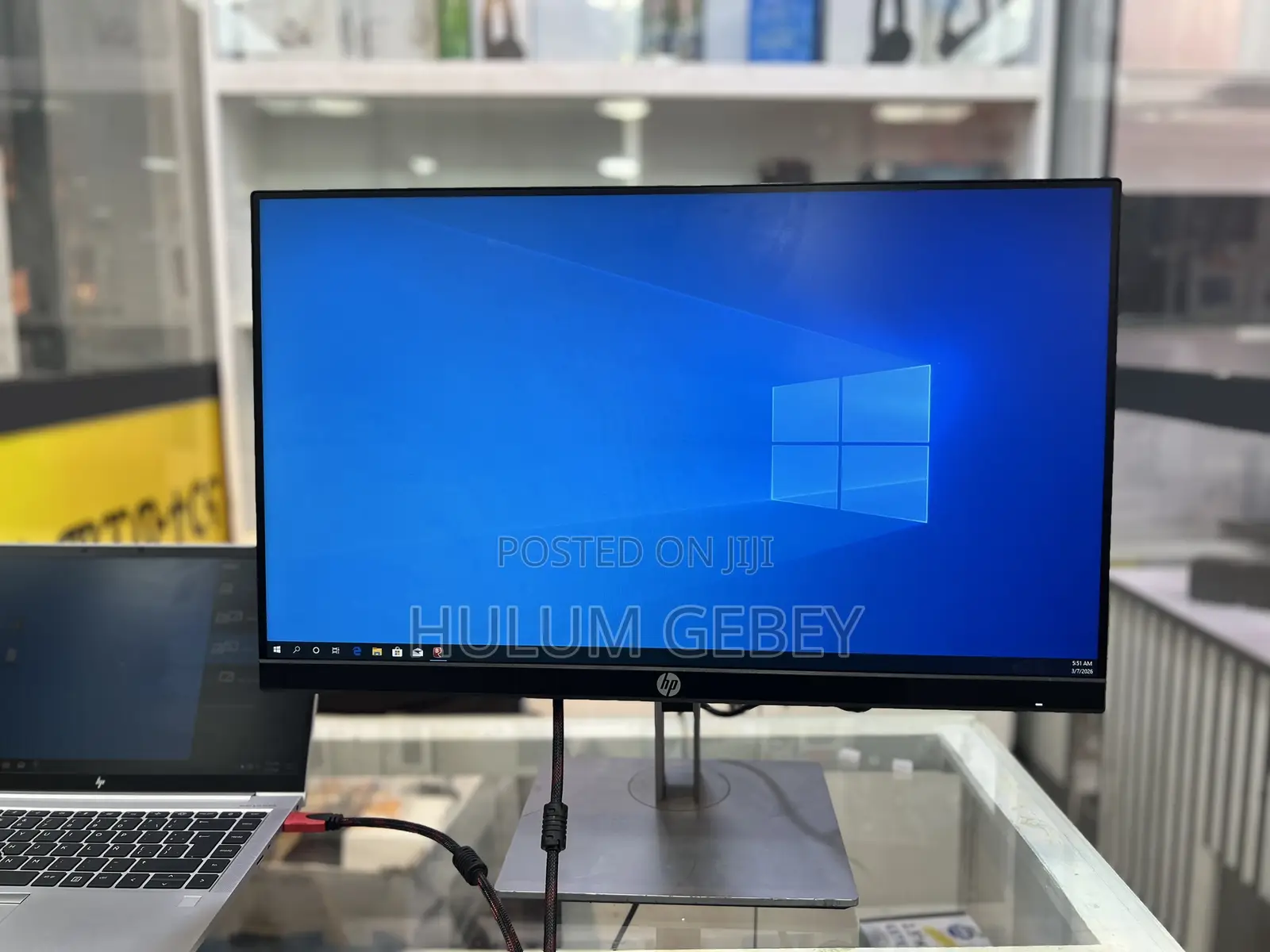
Hp 24 Inch Monitor Frameless
OLED
Display Technology
16:9
Aspect Ratio
70-85Hz
Refresh Rate
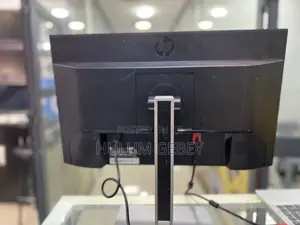
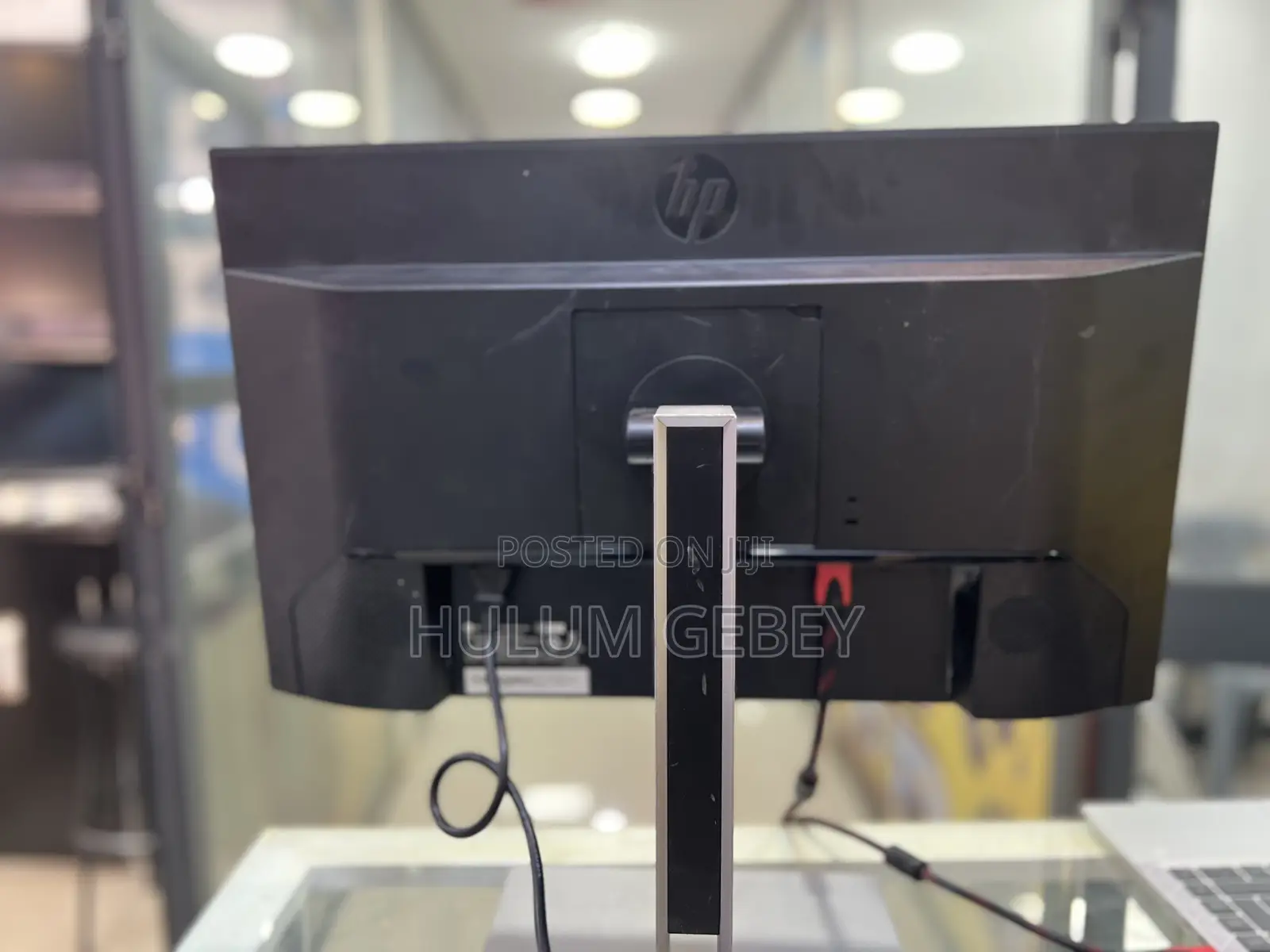
Display Port, HDMI, VGA
Video Input
• The HP P24h G4 FHD Monitor has built-in speakers (about 2 W × 2). 
• It also has a 3.5 mm audio input port. 
2. Connect Audio Source
To hear sound from the speakers:
A. Via HDMI or DisplayPort:
• If your computer/laptop supports audio over HDMI or DisplayPort, sound should travel through the video cable into the monitor automatically.
• On many systems (Windows/macOS), you may need to select the monitor as the audio output device in the sound settings.

Safety tips
- Avoid paying in advance, even for delivery
- Meet with the seller at a safe public place
- Inspect the item and ensure it's exactly what you want
- Make sure that the packed item is the one you've inspected
- Only pay if you're satisfied


