
Addis Ababa, Bole, 17/05
2 views
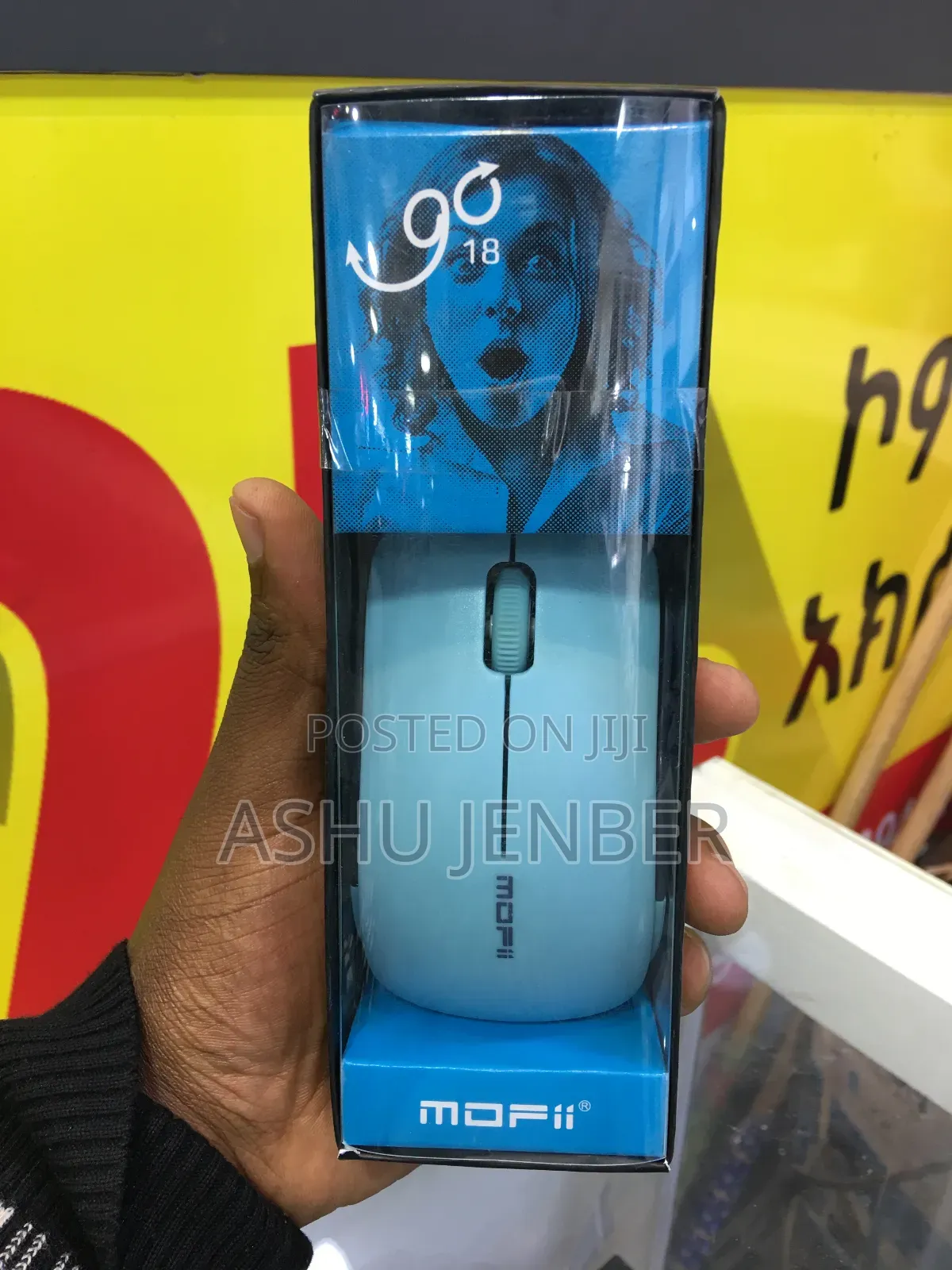
Mofii Mous
Other
Type
Other
Brand
Brand New
Condition
To set up and use the MOFii Wireless Mouse, follow these brief steps:
1. Power: Open the battery cover on the bottom of the mouse and insert the required battery (typically 1 x AA battery).
2. USB Receiver: Locate the small USB nano-receiver, which is usually stored inside a slot next to the battery compartment.
3. Connection: Plug the USB receiver into an available USB port on your laptop or computer.
4. Activation: Turn the power switch on the bottom of the mouse to the "ON" position.
5. Usage: Your computer should automatically recognize the device within a few seconds. Once the cursor moves, it is ready for use. No additional software installation is typically required.
Safety tips
- Avoid paying in advance, even for delivery
- Meet with the seller at a safe public place
- Inspect the item and ensure it's exactly what you want
- Make sure that the packed item is the one you've inspected
- Only pay if you're satisfied


