
Addis Ababa, Bole, 17/05
1 views
High Ellastik Spanke
Audio & Music Accessories
Type
Brand New
Condition
Brandrex
Brand
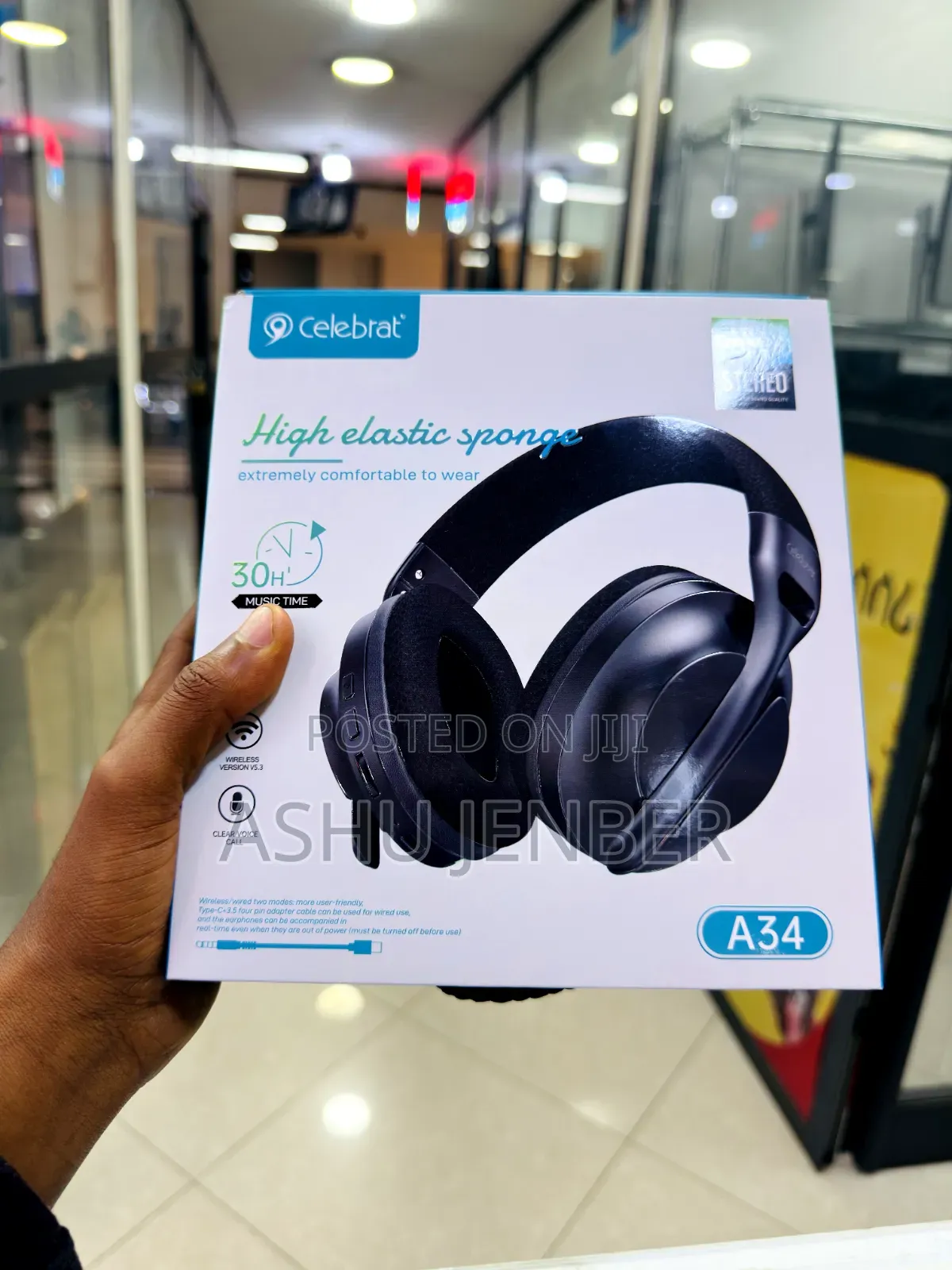
To use the Celebrat A34 Wireless Headphones, follow these brief steps:
1. Charging: Connect a USB-C cable to the charging port on the earcup. A full charge provides up to 30 hours of music playtime.
2. Wireless Pairing: Press and hold the power button to enter pairing mode. Enable Bluetooth on your device and select "Celebrat A34" to connect (uses Bluetooth v5.3).
3. Controls: Use the physical buttons located on the edge of the earcup to adjust volume, skip tracks, play/pause music, and answer phone calls.
4. Wired Mode: If the battery is low, you can use the included Type-C to 3.5mm adapter cable to connect the headphones directly to your device’s audio jack for a wired experience.
5. Comfort: Adjust the headband and the high-elastic sponge ear cushions for a comfortable, snug fit over your ears.
Safety tips
- Avoid paying in advance, even for delivery
- Meet with the seller at a safe public place
- Inspect the item and ensure it's exactly what you want
- Make sure that the packed item is the one you've inspected
- Only pay if you're satisfied


