
1/2
አዲስ አበባ, ቦሌ, 30/06
23 እይታዎች
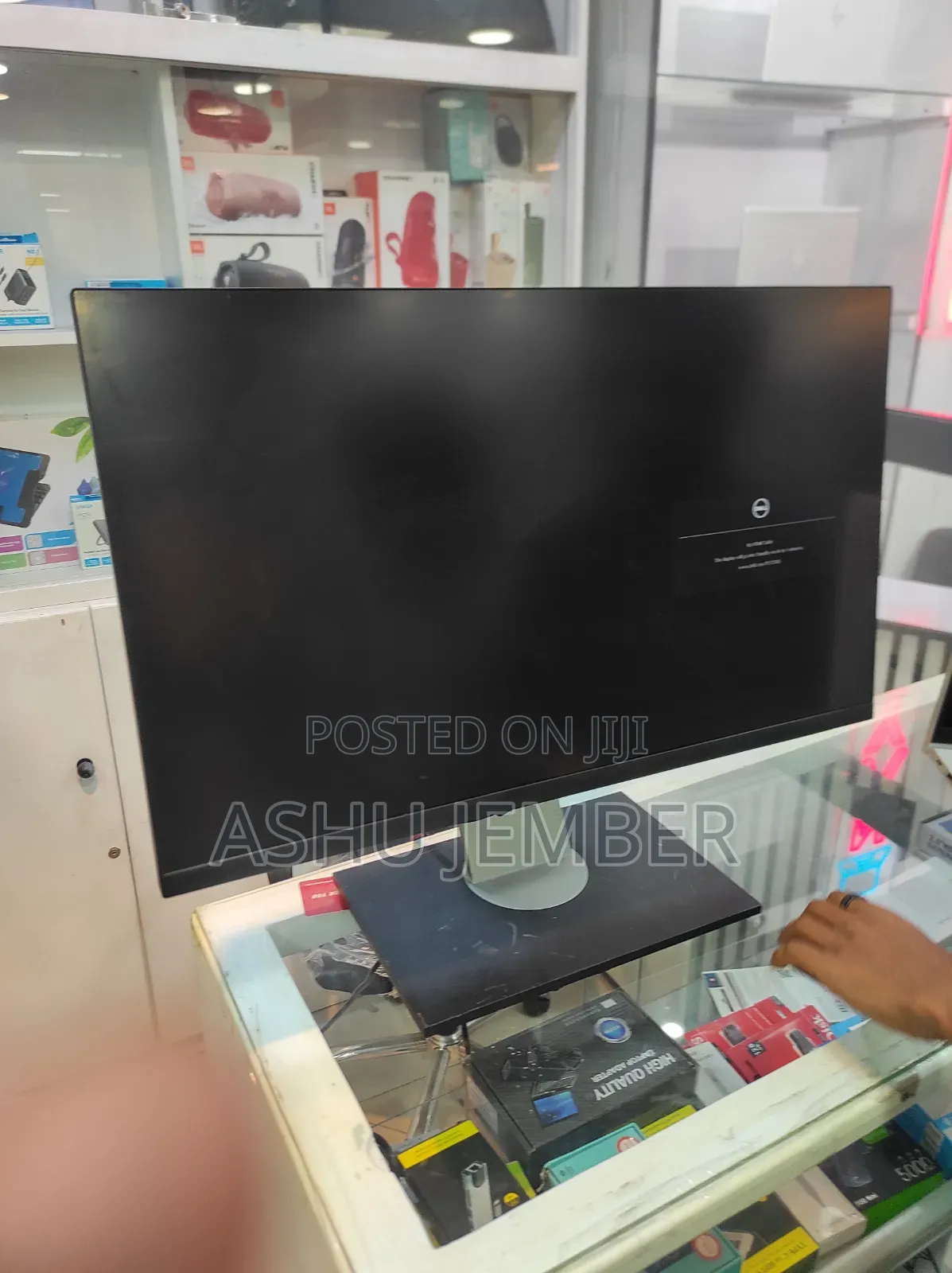
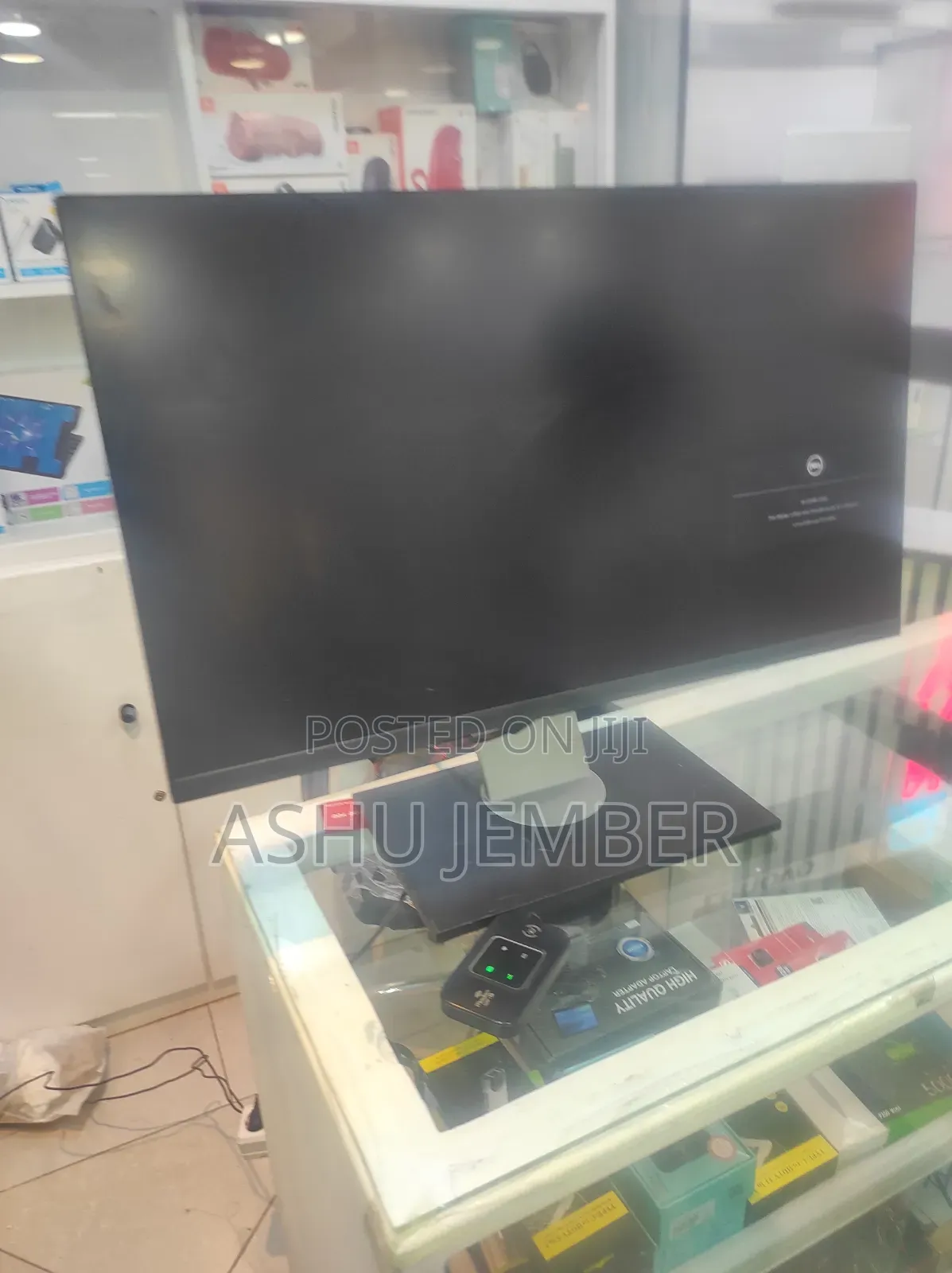
Lenovo 27 Inch Monitor
Nice photo — thanks! Quick read and useful next steps.
What I see
• A slim‐bezel desktop monitor on a rectangular stand (looks like a typical office/consumer LCD).
• Screen is dark with an on‐screen icon/text (appears to be a “no signal” or input message).
• The stand/base shows some wear/scratches.
What I can’t tell from the picture
• Brand/model, native resolution, refresh rate, or panel type (IPS/VA/TN).
• Whether the panel/backlight is fully functional or if there are dead pixels or color issues.
Suggested quick tests you can run
1. Power & input
- Confirm the monitor power LED is on.
- Ensure the correct input source is selected (HDMI/DP/VGA) via the monitor’s OSD/menu.
2. Cables & source
- Swap to a known‐good video cable and a known‐good computer/laptop to rule out cable or GPU issues.
3. OSD & se
የደህንነት ምክሮች
- እንኳንም ለመላኪያ በቅድሚያ መክፈልን ይቀልዱ
- ከሻጭ ጋር በደህንነቱ የተጠበቀ የህዝብ ቦታ ውስጥ ይገናኙ
- እቃውን ይመልከቱ እና በትክክል የሚፈልጉት መሆኑን ያረጋግጡ
- ተሸክመው የተላኩት እቃ የተመረምረው መሆኑን ያረጋግጡ
- እርካታ ካልሰማምን ብቻ ይክፈሉ


