
አዲስ አበባ, ቦሌ, 16/09
8 እይታዎች
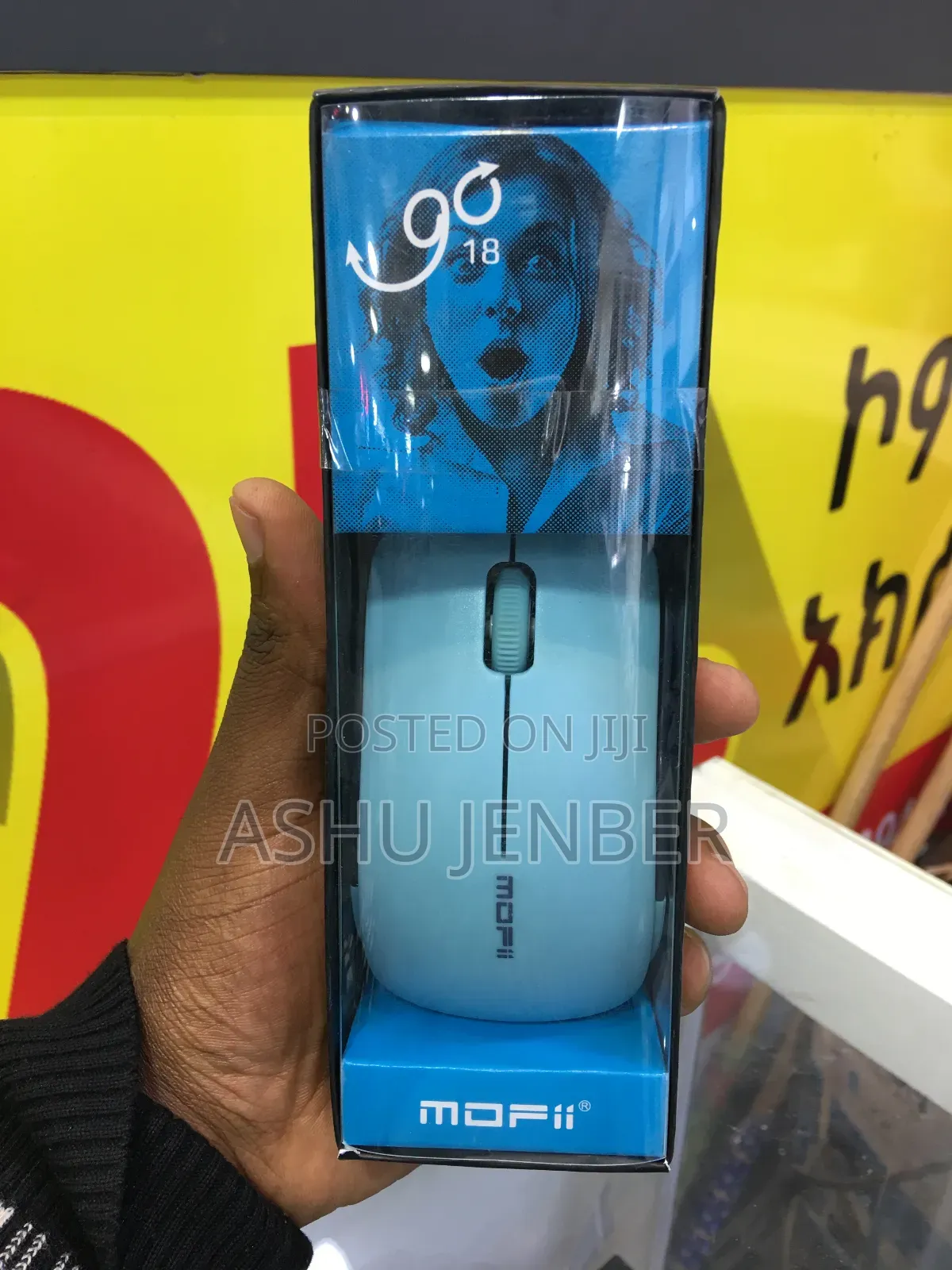
Mofii Mous
ሌላ
አይነት
Other
ብራንድ
አዲስ
ሁኔታ
To set up and use the MOFii Wireless Mouse, follow these brief steps:
1. Power: Open the battery cover on the bottom of the mouse and insert the required battery (typically 1 x AA battery).
2. USB Receiver: Locate the small USB nano-receiver, which is usually stored inside a slot next to the battery compartment.
3. Connection: Plug the USB receiver into an available USB port on your laptop or computer.
4. Activation: Turn the power switch on the bottom of the mouse to the "ON" position.
5. Usage: Your computer should automatically recognize the device within a few seconds. Once the cursor moves, it is ready for use. No additional software installation is typically required.
የደህንነት ምክሮች
- እንኳንም ለመላኪያ በቅድሚያ መክፈልን ይቀልዱ
- ከሻጭ ጋር በደህንነቱ የተጠበቀ የህዝብ ቦታ ውስጥ ይገናኙ
- እቃውን ይመልከቱ እና በትክክል የሚፈልጉት መሆኑን ያረጋግጡ
- ተሸክመው የተላኩት እቃ የተመረምረው መሆኑን ያረጋግጡ
- እርካታ ካልሰማምን ብቻ ይክፈሉ


