

1/2


አዲስ አበባ, ቦሌ, 16/09
2 እይታዎች
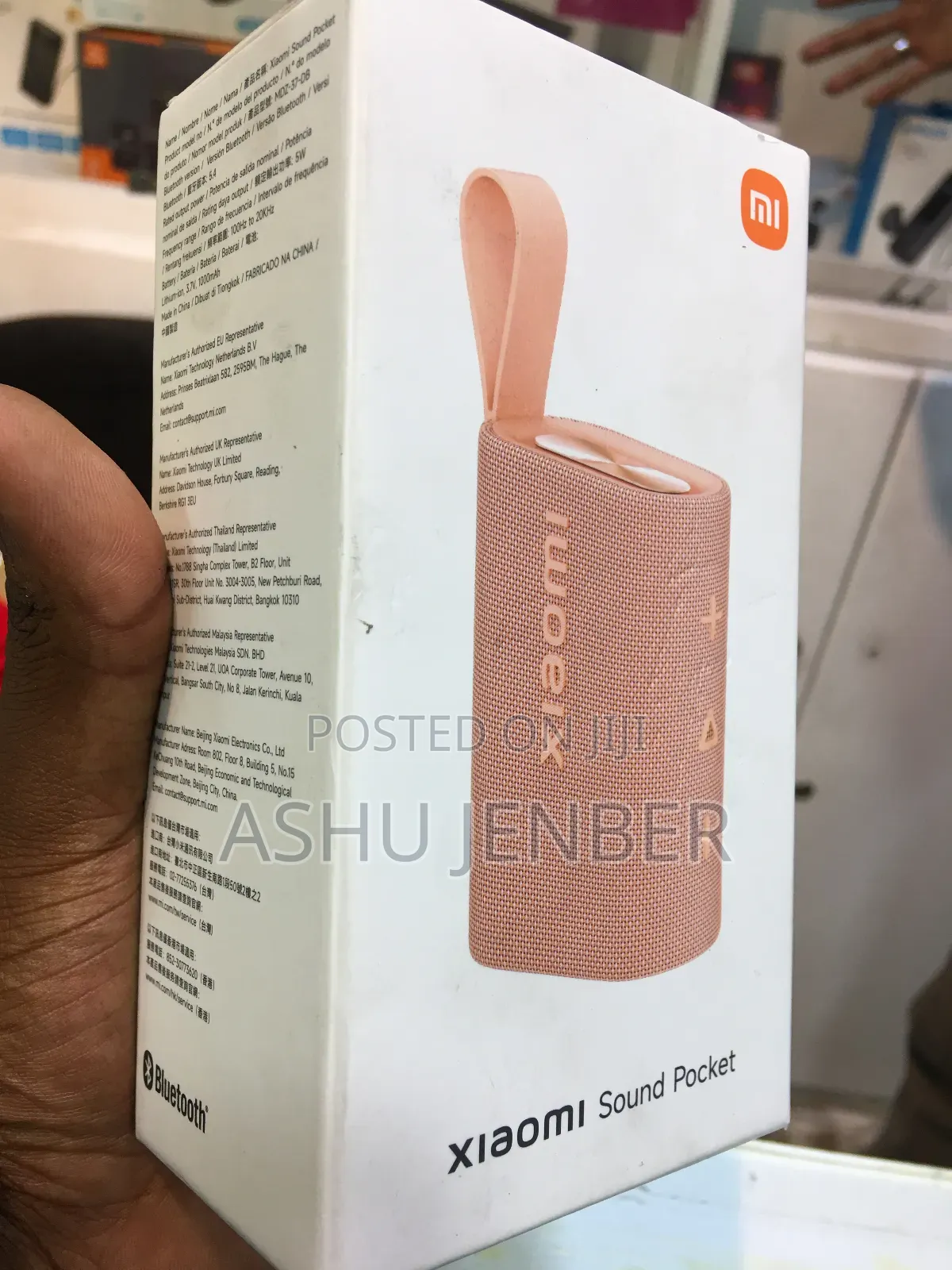
Xiaomi Speakers
To use the Xiaomi Sound Pocket portable speaker, follow these brief steps:
1. Power & Pairing: Press and hold the power button (usually located on the top panel) to turn it on. Enable Bluetooth on your phone and select "Xiaomi Sound Pocket" to connect.
2. Controls: Use the embossed buttons on the side:
• '+' / '-': Press to adjust volume; long-press to skip or go back to a track.
• Triangle icon: Press to play or pause music.
3. Charging: Connect a USB-C cable to the charging port (hidden behind a protective flap) to recharge the battery.
4. Portability: Use the built-in rubber loop strap to securely carry the speaker by hand or attach it to a backpack for music on the go.
የደህንነት ምክሮች
- እንኳንም ለመላኪያ በቅድሚያ መክፈልን ይቀልዱ
- ከሻጭ ጋር በደህንነቱ የተጠበቀ የህዝብ ቦታ ውስጥ ይገናኙ
- እቃውን ይመልከቱ እና በትክክል የሚፈልጉት መሆኑን ያረጋግጡ
- ተሸክመው የተላኩት እቃ የተመረምረው መሆኑን ያረጋግጡ
- እርካታ ካልሰማምን ብቻ ይክፈሉ


