
1/3
Promoted
Addis Ababa, Addis Ketema, 12 hours ago
21 views
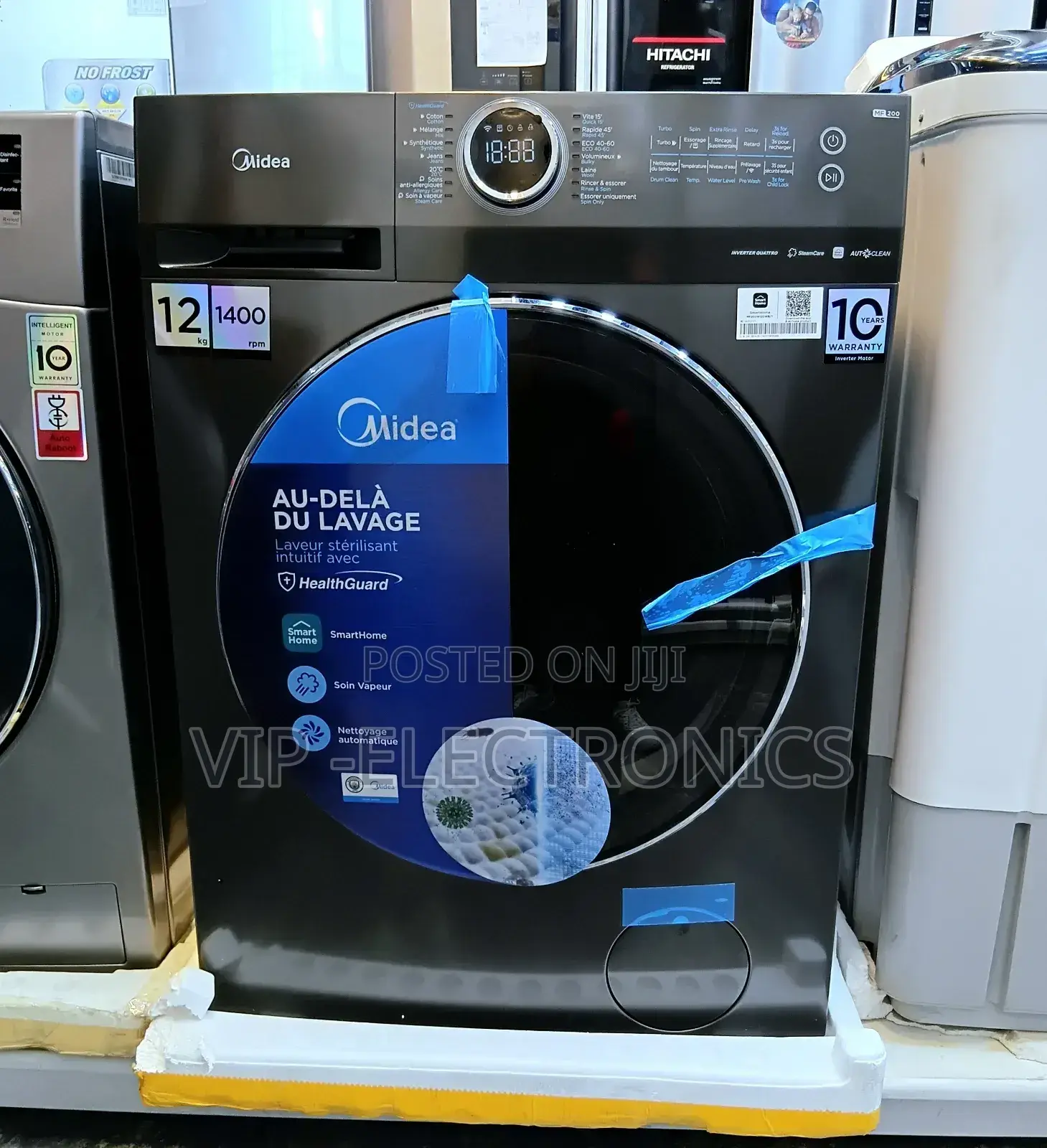
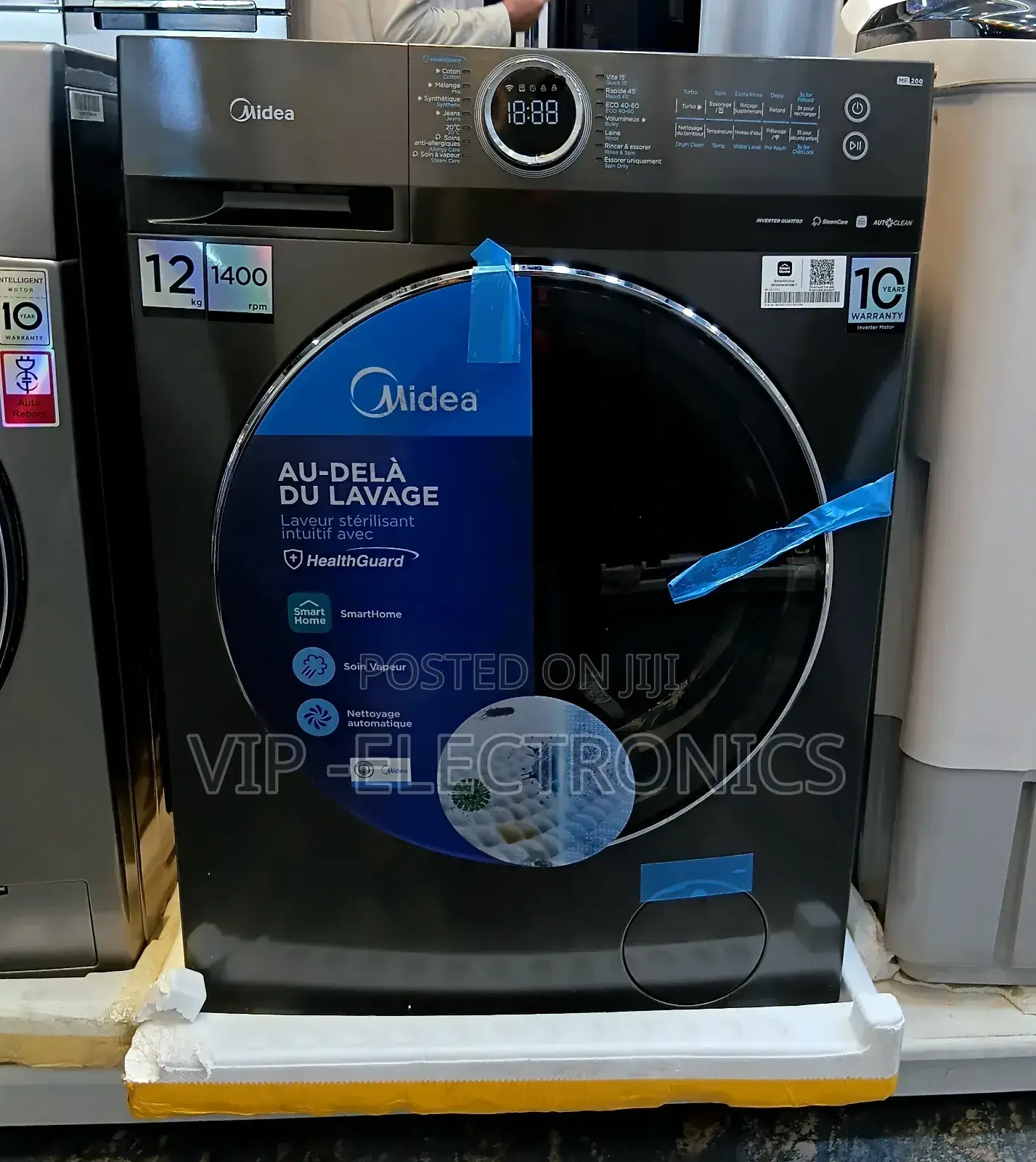
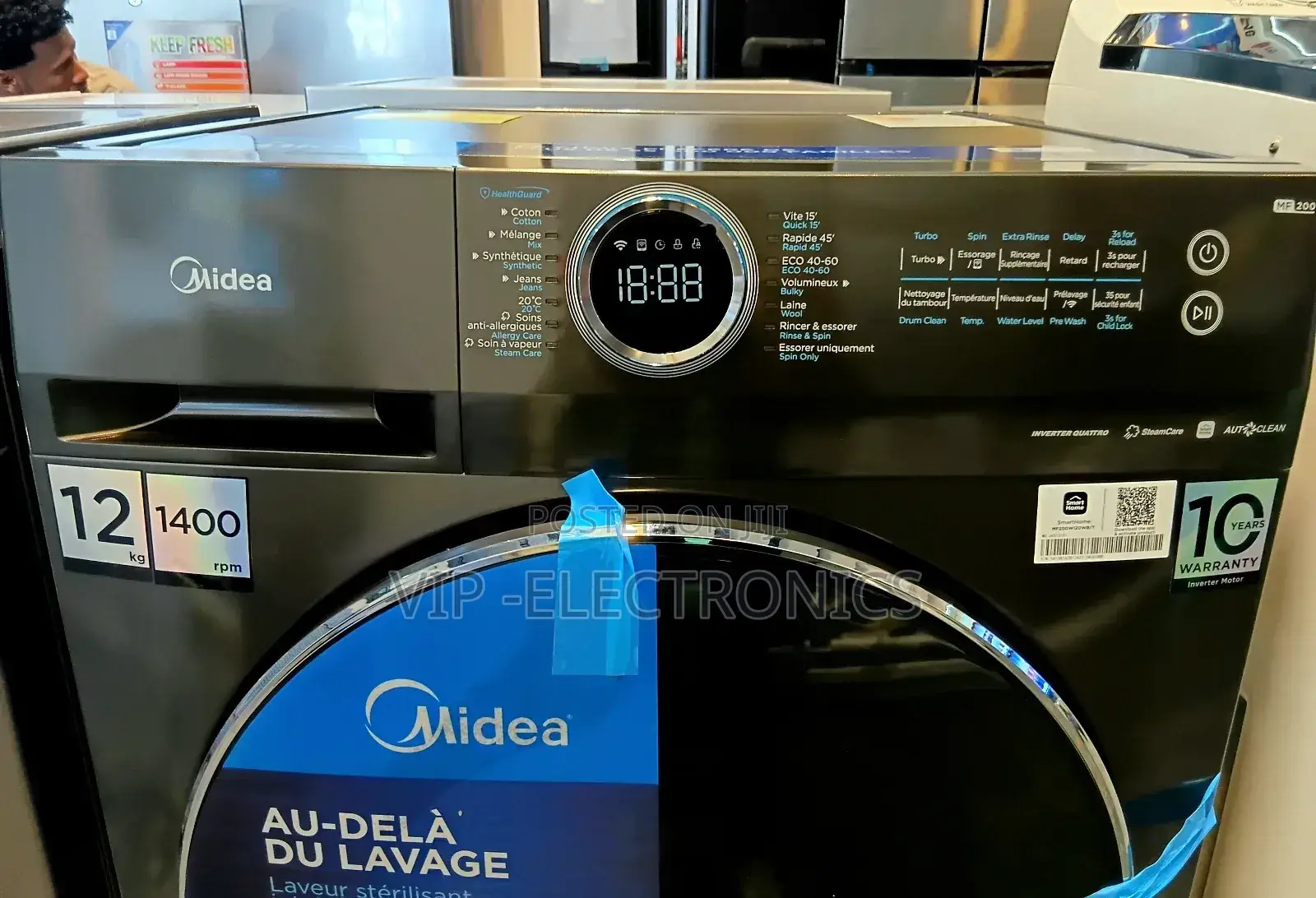
Midea Automatic Washing Machine12kg Original Products New Price
Washing Machines
Type
Brand New
Condition
Midea
Brand
12kg
Washer Capacity
99cm
Depth
Front Load
Load Type
Cotton, Silk, Sport, Ultra White
Programs
Slim Depth, WiFi Connection
Popular Options
60cm
Width
Silver
Color
Quick Tips
Make sure your devices are powered on
Keep your mobile phone close enough to your device when you are connecting your device to the network
Connect your mobile phone to the wireless network at home, and make sure you know the password of the wireless network.
Check if your wireless router supports 2.4 GHz band and turn it on. If you are not sure whether the router supports 2.4 GHz band,
please contact the router manufacturer.
The device cannot connect to the wireless network that requires authentication, and it usually appears in public areas such as hotels, restaurants, etc. Please connect to a wireless network that does not require authentication.
Turn off the WLAN (Android) or WLAN Assistant (105) function of your mobile phone when connecting your device to the network. In the case that your device connected to a wireless
Safety tips
- Avoid paying in advance, even for delivery
- Meet with the seller at a safe public place
- Inspect the item and ensure it's exactly what you want
- Make sure that the packed item is the one you've inspected
- Only pay if you're satisfied


